Removing applications from the manager
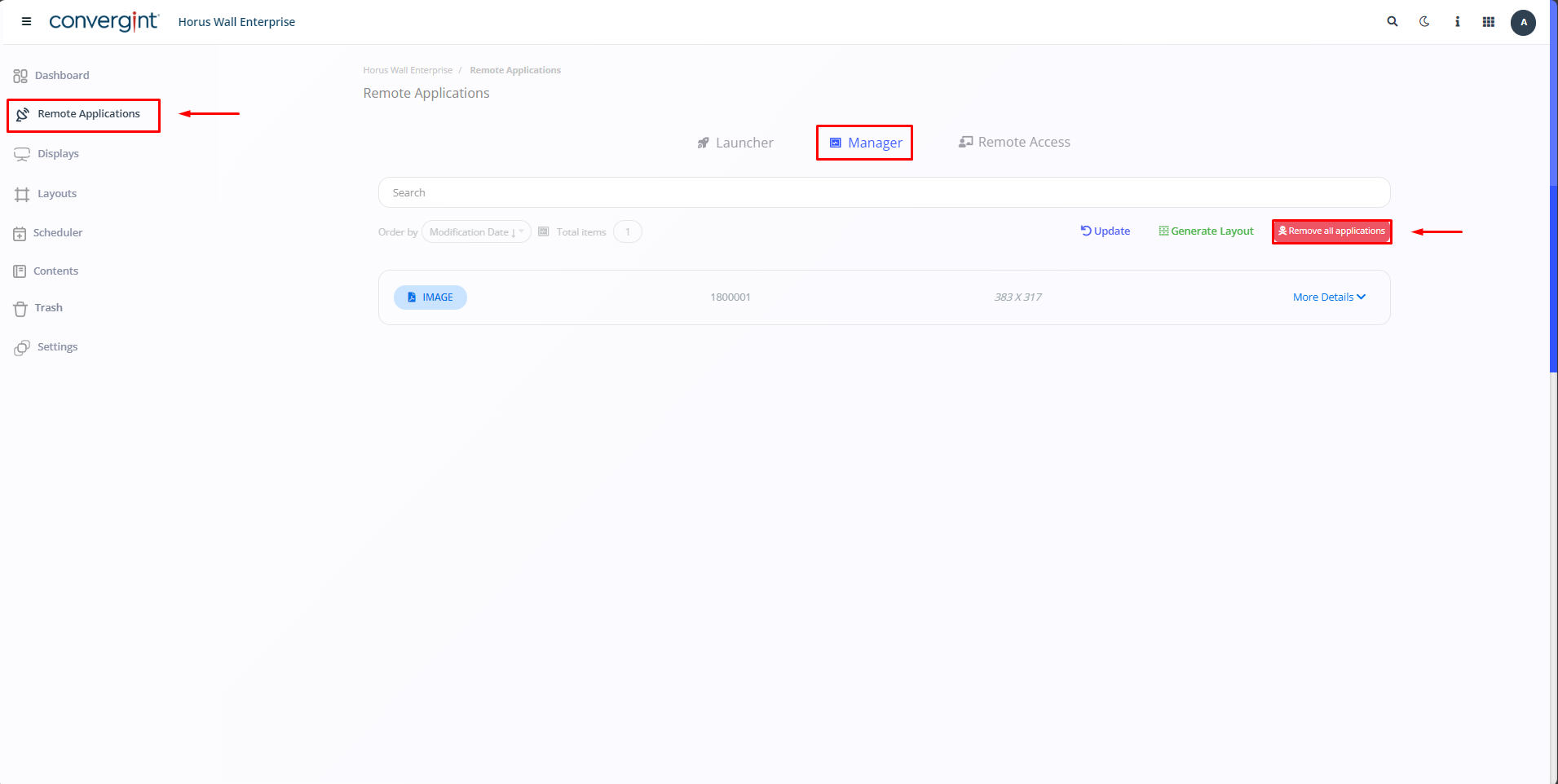
Following the steps mentioned above, go to the “Remote applications” tab, then click on “Manager”. On the right-hand side, click on the “Remove all applications” option.
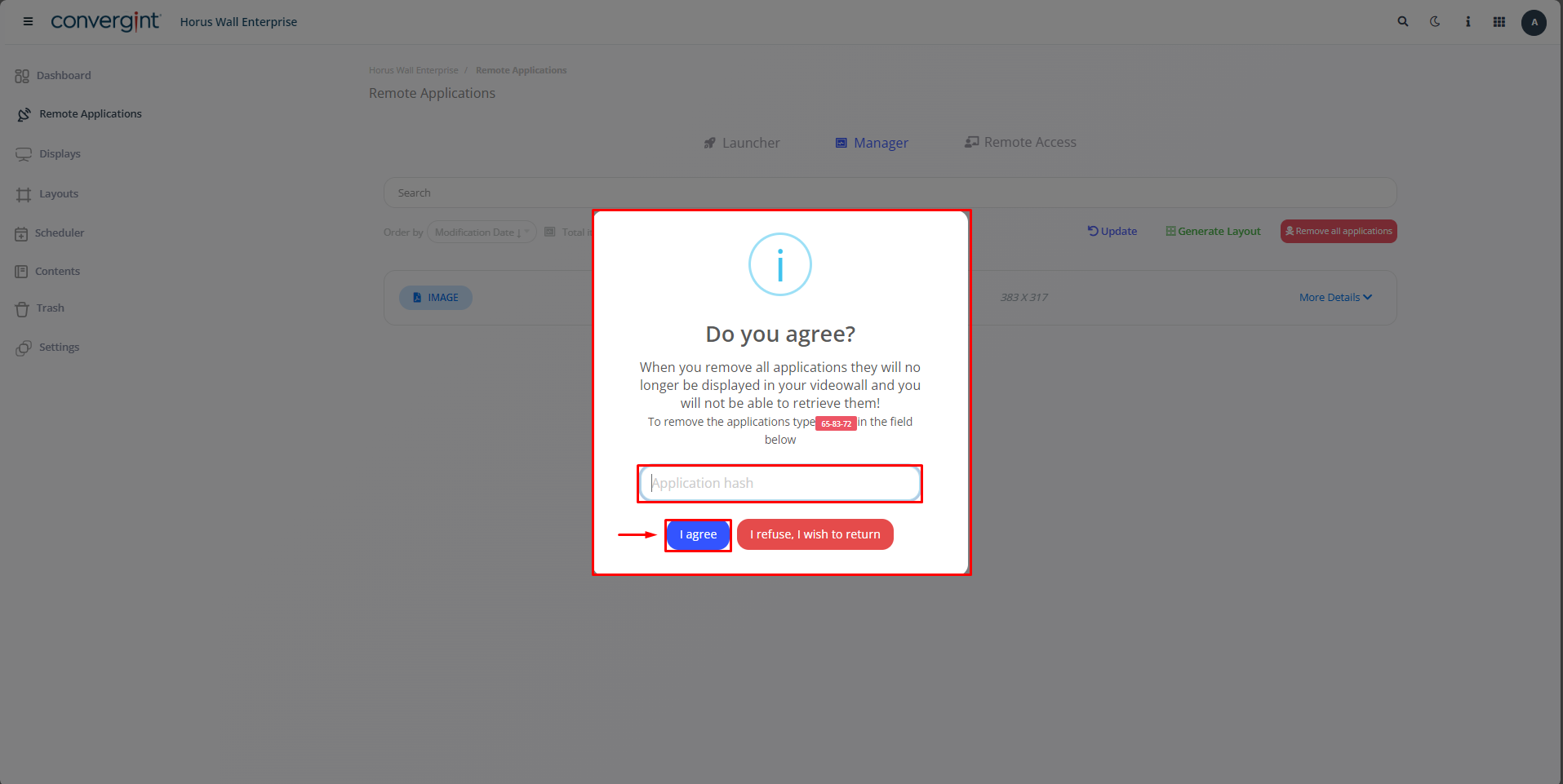
A removal option will then appear. Then click on “ I agree” highlighted in the image to remove all the applications.
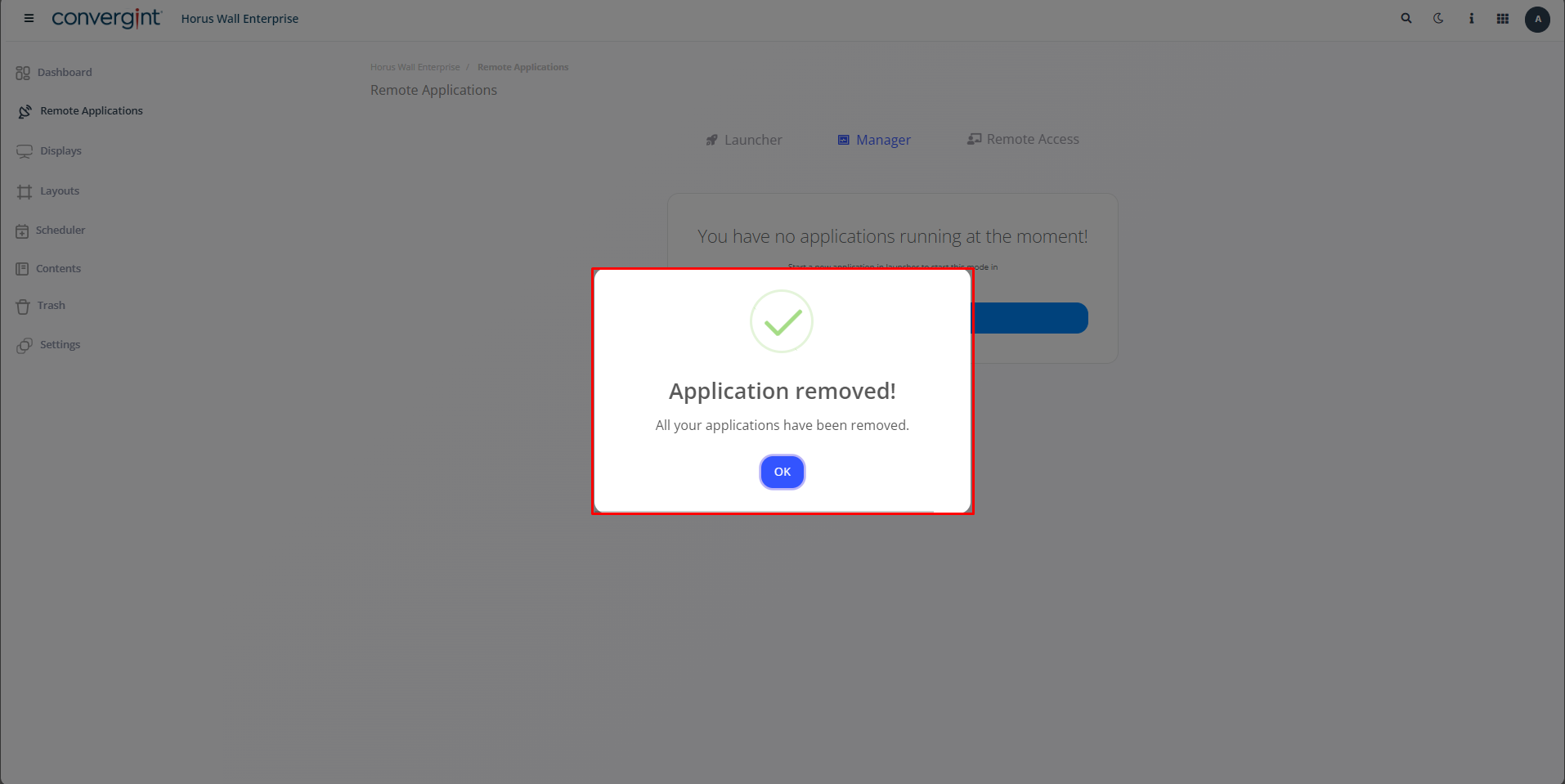
Once this is done, all applications will be removed.